Industrial AI for mid-sized plants: what it is, what it is not, and where to start
A practical guide to industrial AI for manufacturers and maintenance contractors in Latin America: real use cases, the data you actually need, and how to run a first project in weeks instead of years.
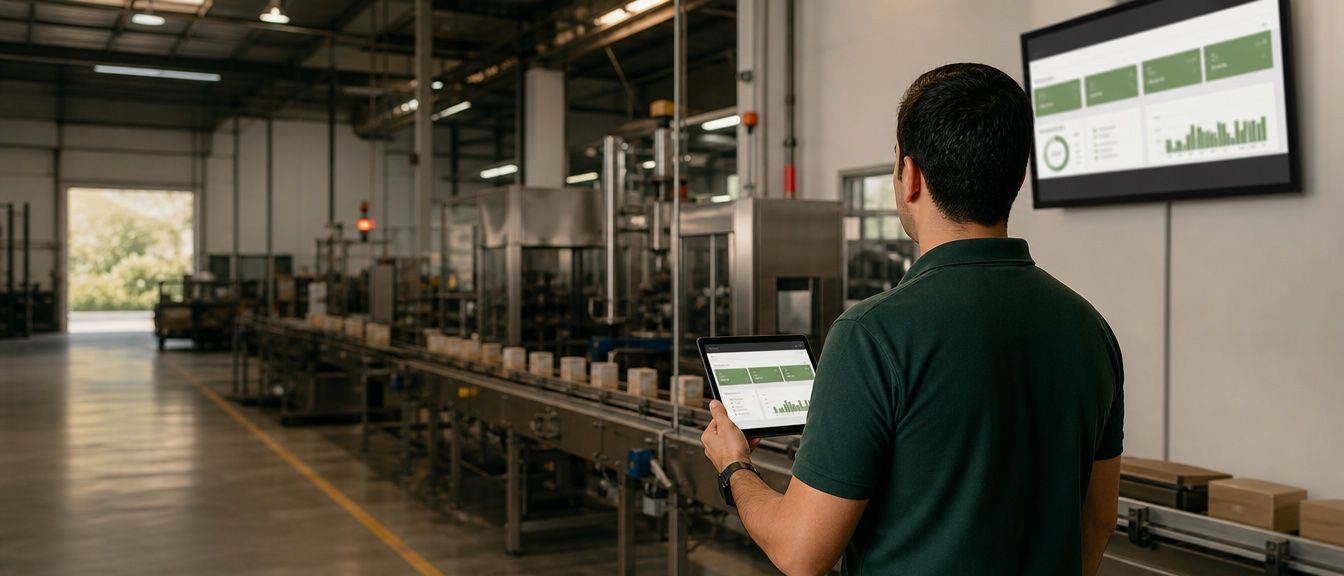
If you run a plant, a workshop or a maintenance operation, you have probably heard that “AI” will transform your industry. What you have probably not heard is what that means on a Tuesday morning when Line B stops and nobody knows why.
This guide is our attempt to close that gap. It is written for owners and operations managers of mid-sized industrial companies — not for data scientists — and it is based on what we see every week building systems for workshops, distributors and maintenance contractors.
What industrial AI actually is
Industrial AI is the use of machine learning and automation on the data your physical operation already produces: machine states, sensor readings, work orders, quality checks, energy meters, shifts, downtime logs.
It differs from the “enterprise AI” you see in marketing or finance in three ways that matter:
- It lives next to machines. Decisions often have to happen in seconds and sometimes on the plant floor, not in a cloud dashboard someone checks on Friday.
- The cost of being wrong is physical. A bad recommendation can stop a line, scrap a batch or hurt someone. That raises the bar for oversight and traceability.
- The data is messy and scattered. PLCs, an old ERP, spreadsheets, WhatsApp photos and paper checklists. Half of any industrial AI project is simply getting that data into one place.
If you have heard of Industry 4.0 — connected machines, sensors, digital records — think of industrial AI as the layer that turns that connectivity into decisions: predictions, alerts and, increasingly, actions.
Why it matters now for companies your size
For years this was a large-manufacturer game: expensive sensors, custom models, a team of engineers. Three things changed:
- Sensors and gateways got cheap. Reading a PLC or adding a vibration sensor to a motor costs a fraction of what it did five years ago.
- Models became a commodity. You no longer train from scratch; you connect proven models to your data.
- Agents can do the boring part. Modern AI agents can read a work order, look up a manual, draft a purchase request and schedule a technician — the coordination work that used to eat a supervisor’s day.
The result: a 60-person plant can now run a meaningful industrial AI project in weeks, on a fixed budget, without hiring a data team.
Six use cases that pay for themselves
We rank these by how often we see them deliver measurable results for mid-sized operations.
1. Predictive maintenance
Instead of servicing equipment on a fixed calendar (too early) or after it fails (too late), you monitor vibration, temperature, current or cycle counts and let a model flag drift before it becomes downtime. The win is not just fewer breakdowns — it is planning maintenance for a shift change instead of a Tuesday at 10 a.m.
2. Automated quality inspection
A camera and a vision model at the end of a line can catch defects a tired human misses at 3 p.m. It also gives you a record of every unit, which changes the conversation with a customer who claims a bad batch.
3. Production and downtime analysis
Most plants do not know their real OEE. Capturing stop reasons automatically — and letting a model group them — usually reveals that two or three causes account for most lost hours. Fixing those is cheaper than buying a new machine.
4. Energy and consumables
Compressors, chillers and ovens are quiet money leaks. Correlating consumption with production schedules exposes idle running, leaks and inefficient sequences.
5. Safety and HSE compliance
Checklists that verify themselves, permits that expire visibly, incident reports that are summarized and routed automatically. For maintenance contractors working on client sites, this traceability is increasingly a condition of getting the contract.
6. Agents for work orders and field coordination
This is the newest and, for many of our clients, the fastest payback. An agent receives a request by WhatsApp or email, classifies it, creates the work order, checks parts availability, proposes a technician and a date, and asks a human to approve. The supervisor stops being a switchboard.
How it works, in one paragraph
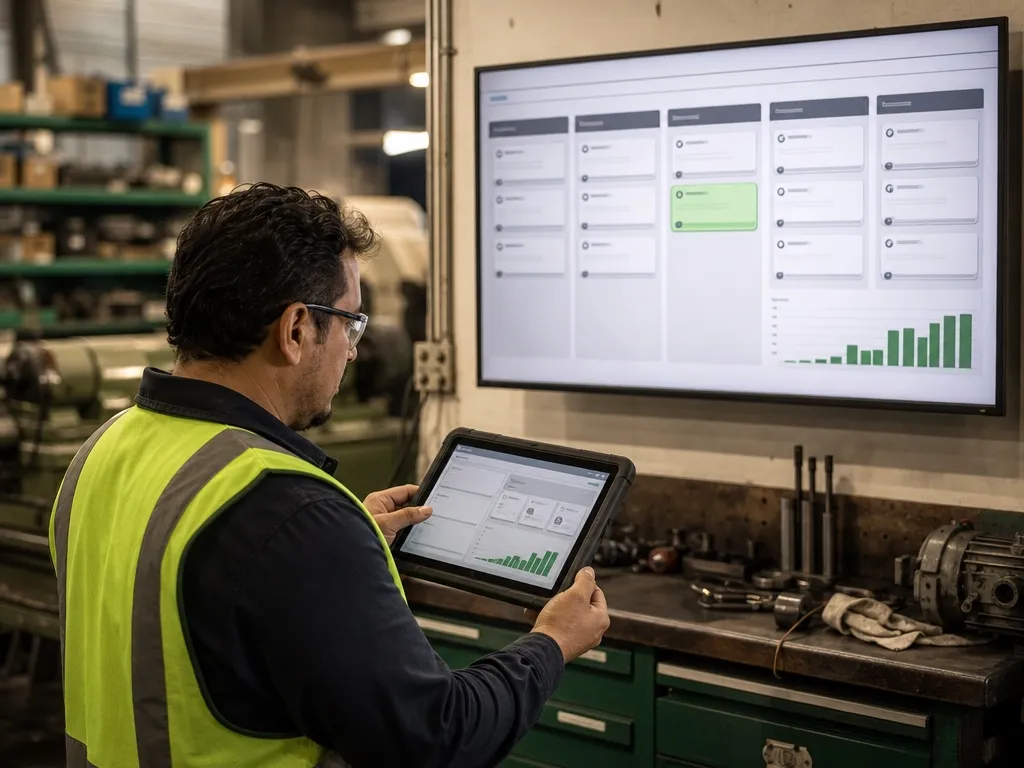
Data is collected from machines (PLC/SCADA), sensors and your business systems (ERP, work orders, inventory). It is stored in one place with consistent identifiers — the same asset has the same name everywhere. Models run on top of that data: some at the edge (next to the machine, for speed), most in the cloud. The output is never “AI decided”: it is a recommendation, an alert or a draft action that a person sees, approves or overrides. Every step is logged so you can audit it later.
That last point is not bureaucracy. Human oversight is what makes the difference between a tool your supervisors trust and one they quietly ignore.
The five reasons projects fail
- Starting with the model instead of the problem. “We want AI” is not a project. “We lose 14 hours a month on Line B stops and we don’t know why” is.
- No data foundation. If asset names differ between the ERP and the maintenance sheet, no model will save you. Fix identifiers first.
- Trying to do the whole plant at once. One line, one asset class, one problem. Prove it, then scale.
- Ignoring security. Connecting a PLC to the internet without segmentation is how ransomware reaches the shop floor. Network design is part of the project, not an afterthought.
- No owner on the floor. A supervisor who understands the output and acts on it is worth more than a better algorithm.
Where to start: a 6-week first project
This is the shape of the first industrial AI project we recommend to most clients:
- Week 1 — Pick one measurable problem. Downtime on a line, missed maintenance, slow work-order dispatch. Define the number you want to move.
- Week 2 — Get the data flowing. Connect the sources you already have. Do not buy new sensors until you know the existing data is insufficient.
- Weeks 3–4 — Build the smallest useful system. Usually a dashboard plus one automation: an alert, a classifier, an agent that drafts work orders.
- Week 5 — Run it in parallel. Let it work alongside the current process. Compare.
- Week 6 — Decide. Keep it, adjust it or kill it — with numbers, not opinions.
How we approach it at Vexa Labs
We are a software studio, not a hardware vendor and not a consultancy that leaves you a slide deck. When we build industrial applications we:
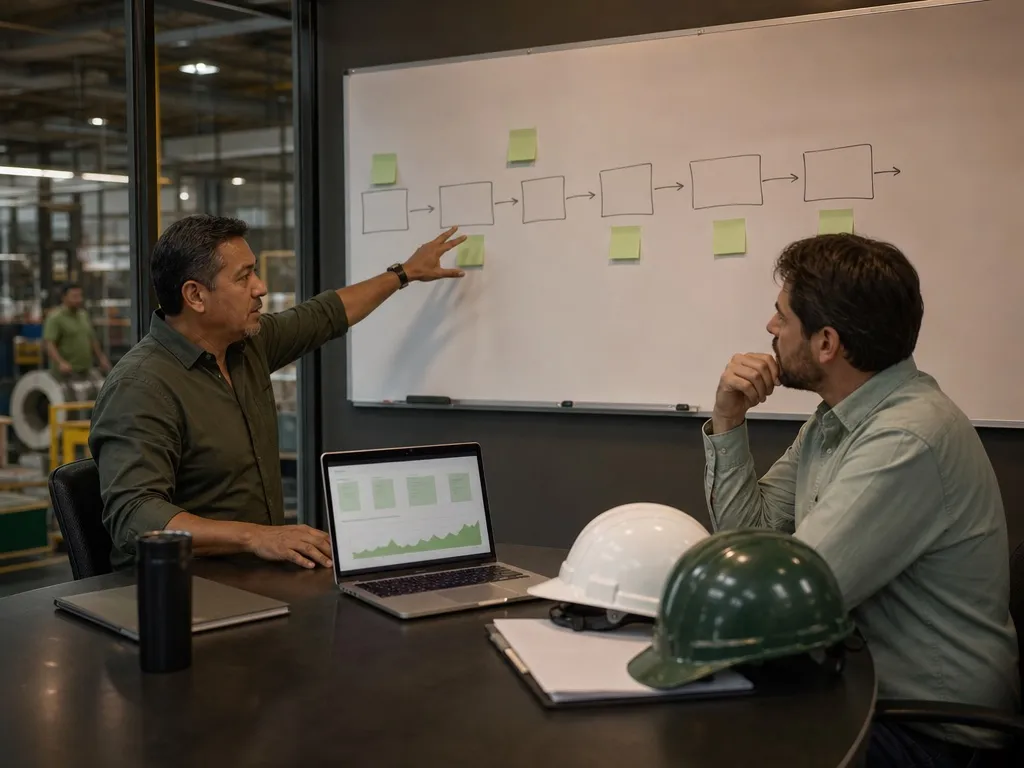
- Start from your operation’s flow — how a work order, a batch or a vehicle actually moves through your plant.
- Integrate with what you have (PLC/SCADA, ERP, spreadsheets, WhatsApp) instead of asking you to replace it.
- Put a human approval step wherever a decision has physical or financial consequences.
- Deliver in weeks, at a fixed price, and hand you 100% of the code.
If you want to know what a first project would look like for your plant, book a free 30-minute call. We will map your operation and tell you honestly whether AI is the right next step — or whether a well-built work-order system will get you 80% of the way.